Reproducing AppKit bugs with AI
Jumpy NSTableView
Ever since updating to macOS Tahoe the HTTP message history scrolling had not felt right in my Proxygen Mac app. Changing selected row didn’t feel as quick as it should.
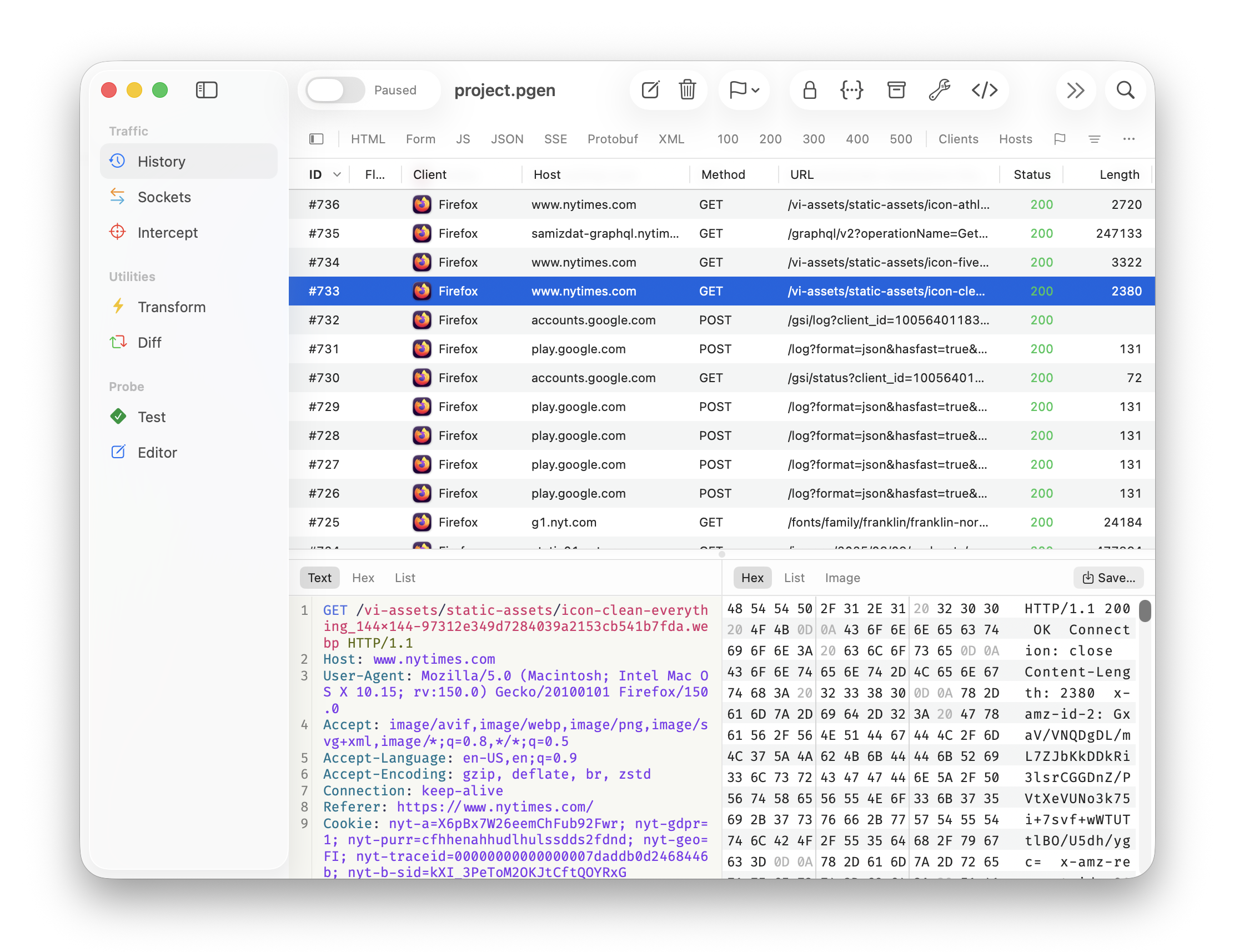
I have a habit of testing the HTTP message list by holding down a cursor key to scroll through a long list of messages. There was now this odd rubber banding effect where the scroll viewport lagged behind the moving selection of the NSTableView. I saw random jumps up and down while scrolling and the scroll position often ended up somewhere outside the visible area after releasing the cursor key.
It was easy to dismiss the issue as my HTTP message rendering just being too slow. Also, with the macOS Tahoe release being what it is, I was ready to accept this as just one more bug that might get fixed in later OS releases.
But what caught my attention was seeing other apps scroll similar table views without any problems, accurately scrolling the visible area exactly to the selected row. There had to be a way to get this working right, and my app just wasn’t doing that!
Reproducing the bug
Proxygen makes heavy use of NSTableViewDiffableDataSource and my suspicion was this was it. As you might expect, there is a lot of other stuff going on in Proxygen code, like a generic ColumnTableController that displays items that conform to a ColumnListable protocol. I wanted to test different combinations of code and see exactly what results in the same rubber banding.
I happened to have some weekly Claude Code quota left so decided to put it to work. I created a new Mac app Xcode project called TableTest and told Claude to set it up with
NSTableViewwith 10,000 rows and 10 columns- Toolbar button to toggle between normal and diffable data source
Both modes worked fine without any jumpiness so I had Claude plow on and look at my Proxygen app and continue aligning TableTest with things like
- Mirroring
NSTableViewsetup with same options - Building same view hierarchy around it including
NSSplitView - Same
NSWindowconfiguration with a sidebar - Similar
NSTitlebarAccessoryViewController
TableTest was starting to look kinda familiar but the rubber banding just would not happen when selecting rows.
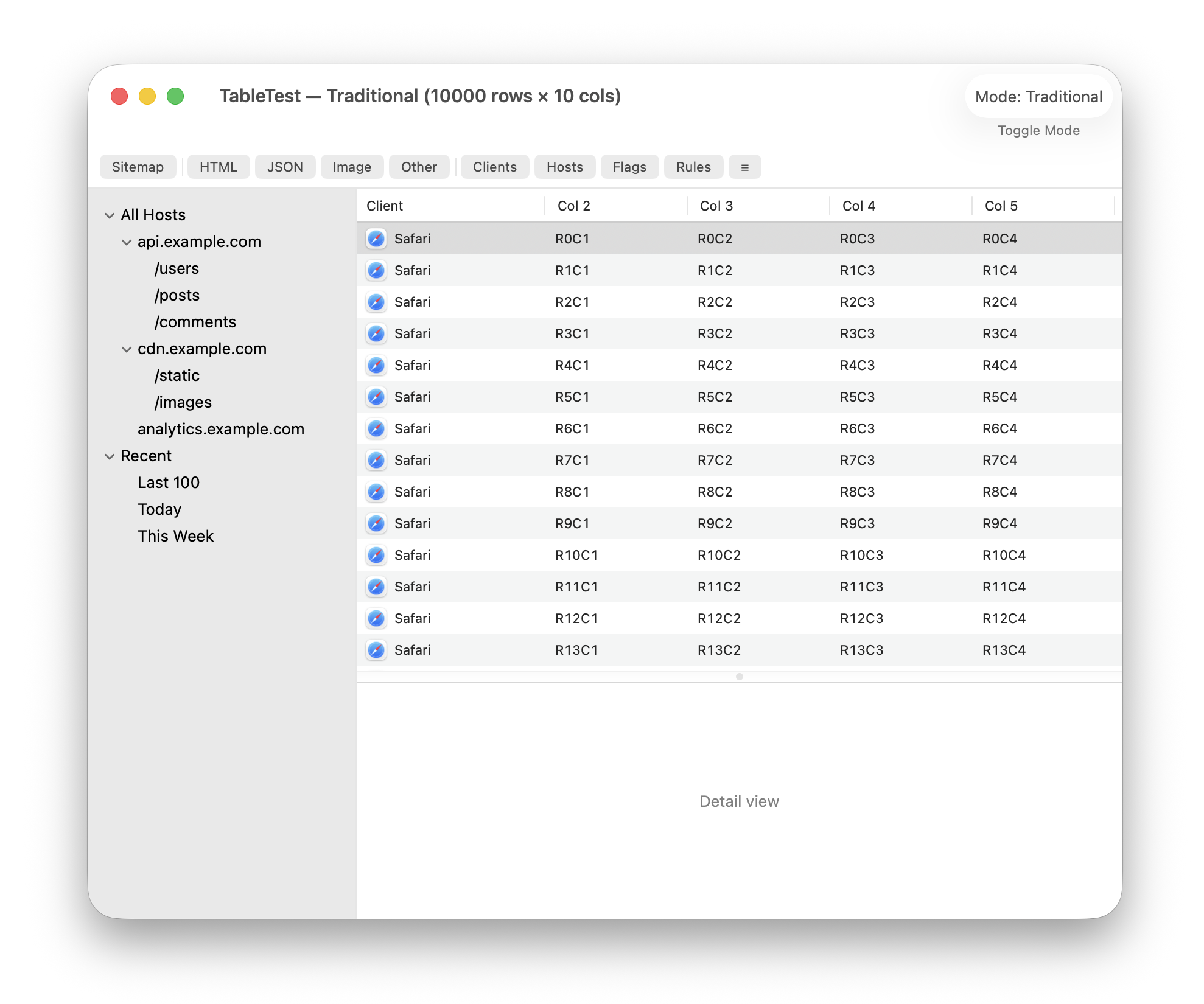
Finally, I told Claude to simply copy over the whole ColumnTableController from Proxygen and use it in the same way in TableTest.
Bingo! This reproduced the exact same behavior I was seeing in Proxygen. The effect is even more pronounced with the viewport moving all over the place. I think this is because of the large number of rows in the table.
The actual bug
So, what causes this issue with ColumnTableController? This is where things get a bit more involved.
A few more rounds of having Claude try different variations of the table view setup code, it verified that constructing a NSTableViewDiffableDataSource at a time when tableView.tableColumns is still empty puts the table view into this degraded mode.
The fix is to add all NSTableColumns to the NSTableView before creating or binding the diffable data source.
tableColumns.forEach { tableView.addTableColumn($0) }
tableColumns.last?.resizingMask = [.autoresizingMask]

// Do this after adding table columns
tableView.dataSource = dataSource
Here is Proxygen with the fix applied to it. Moving selection in the message history is much, dare I say, snappier. You can imagine the smile this put on my face.
Activity Monitor app
I tried to find table views in macOS system apps with a similar setup as Proxygen. Activity Monitor jumps out as the obvious choice with its multicolumn, periodically refreshing list of processes. And surprise surprise, it exhibits the exact same behavior. Holding down a cursor key to select processes results in quite wonky behavior.
I can’t be sure, but it appears this app suffers from the exact same issue as Proxygen did.
Last words
I will be submitting this as a bug report to Apple. Although, now that we know how to fix it, part of me hopes they leave this part of NSTableView alone and don’t break it any further.
Proxygen update 5.3 with the fix is now available for download at proxygen.app and same update is currently waiting for Mac App Store review.